
【全网次发】singbox代理插件momo进阶教程
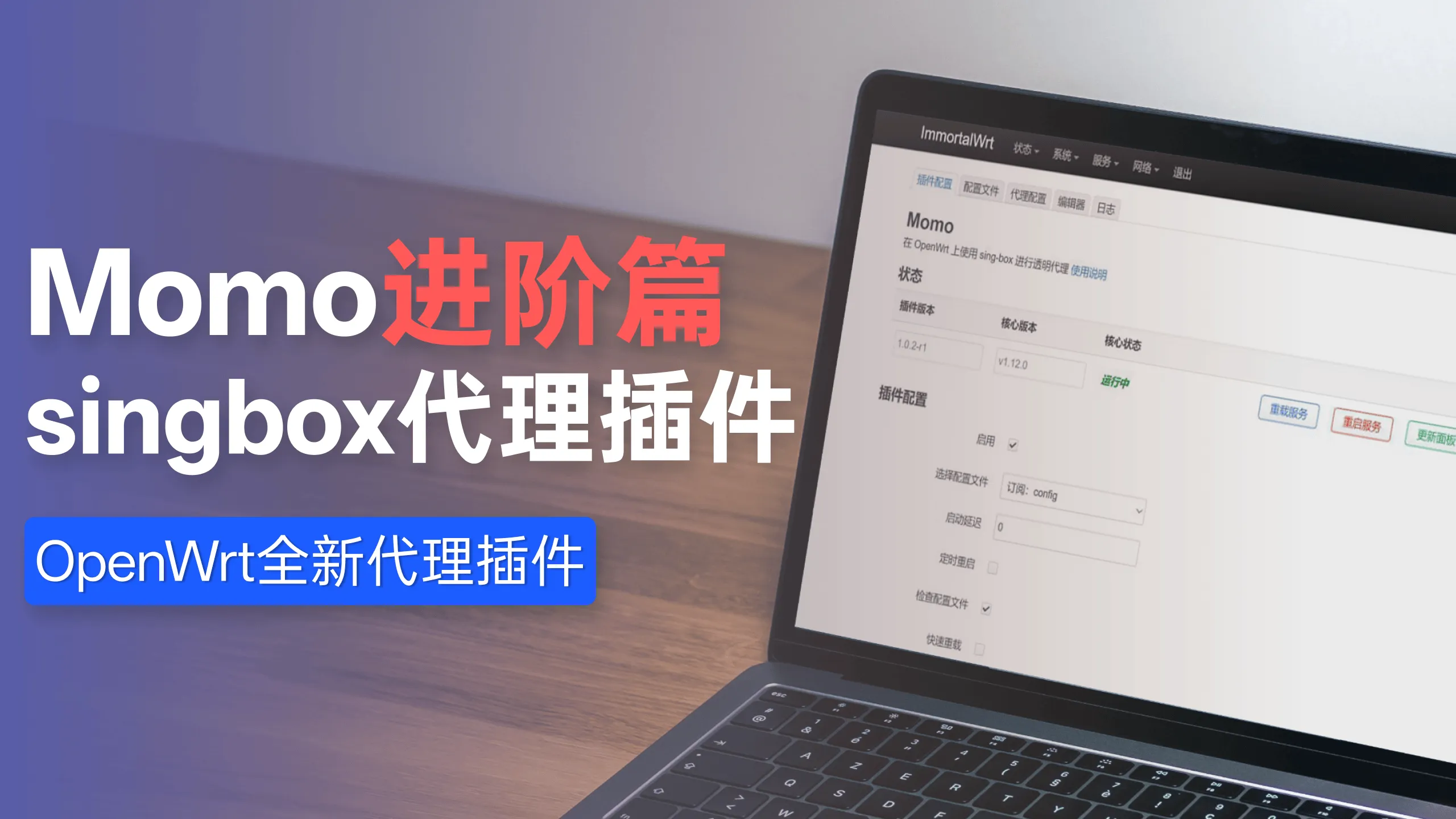
momo插件仓库:
https://github.com/nikkinikki-org/OpenWrt-momo
singbox内核仓库:
https://github.com/SagerNet/sing-box
substore搭建命令:
docker run -it -d \
--restart=always \
-e SUB_STORE_FRONTEND_BACKEND_PATH=/CKg3abstVnOeRpm1aB5G \
-p 3001:3001 \
-v /opt/sub-store:/opt/app/data \
--name sub-store \
xream/sub-store
sub-store地址:
- 如果你没有使用域名,那么请访问
http://192.168.10.9:3001?api=http://192.168.10.9:3001/CKg3abstVnOeRpm1aB5G
- 如果你绑定了自己的域名,那么请访问
https://sub.guguwangluo.win?api=https://sub.guguwangluo.win/CKg3abstVnOeRpm1aB5G
其中,根据自己情况修改IP以及域名,将口令修改为你设置的后端 20位(必须20位)访问密钥
如果无法正常访问,记得dockerman--配置--访问控制--允许访问接口--增加lan接口, 防火墙转发接受,
如果还无法访问网络改成host模式,
配置文件:
https://github.com/qichiyuhub/rule/tree/main/config/singbox
sub-store脚本:
https://raw.githubusercontent.com/xream/scripts/main/surge/modules/sub-store-scripts/sing-box/template.js#type=组合订阅&name=singbox&outbound=🕳ℹ️🐸 手动选择|♻️ 自动选择🏷ℹ️^(?!.*(?:官网|剩余|流量|套餐|免费|订阅|到期时间|全球直连|GB|Expire Date|Traffic|ExpireDate)).*🕳ℹ️🇭🇰 香港手动🏷ℹ️^(?!.*(?:us)).*(🇭🇰|HK|hk|香港|港|HongKong)🕳ℹ️🇯🇵 日本手动🏷ℹ️^(?!.*(?:us)).*(🇯🇵|JP|jp|日本|日|Japan)🕳ℹ️🇸🇬 狮城手动🏷ℹ️^(?!.*(?:us)).*(新加坡|坡|狮城|SG|Singapore)🕳ℹ️🇺🇲 美国手动🏷ℹ️^(?!.*(?:AUS|RUS)).*(🇺🇸|US|us|美国|美|United States)